Update destinations after printing
Change the default link or any routing rule later without replacing the QR code already printed on packaging, signs, or other material.
Geo routing / Device rules / Scheduled destinations
Use one dynamic QR code for different destinations. Send each country to a local page, direct iPhone and Android users to their app store, or schedule a temporary offer. Keep a default for unmatched scans and update every link without reprinting.
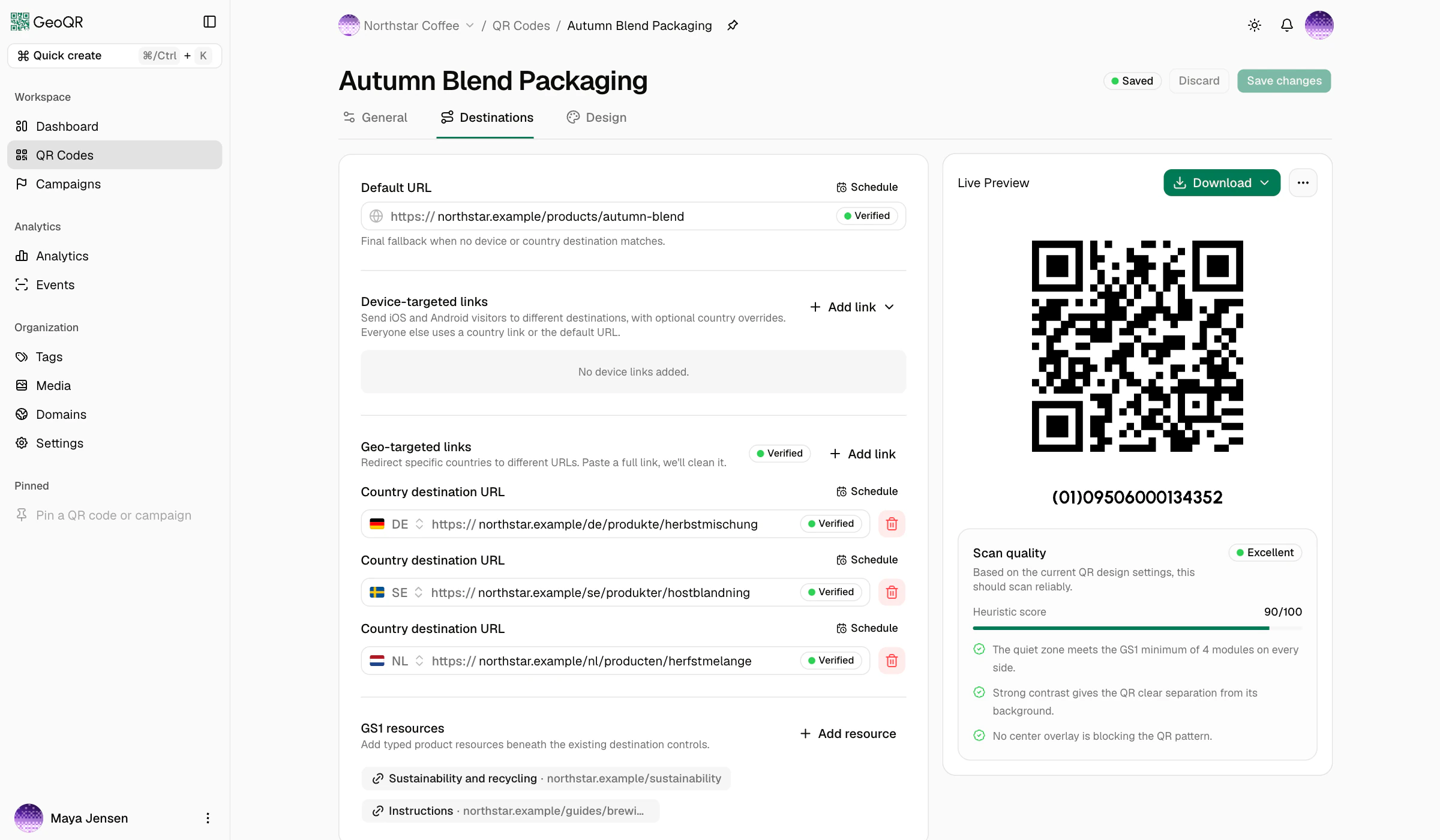
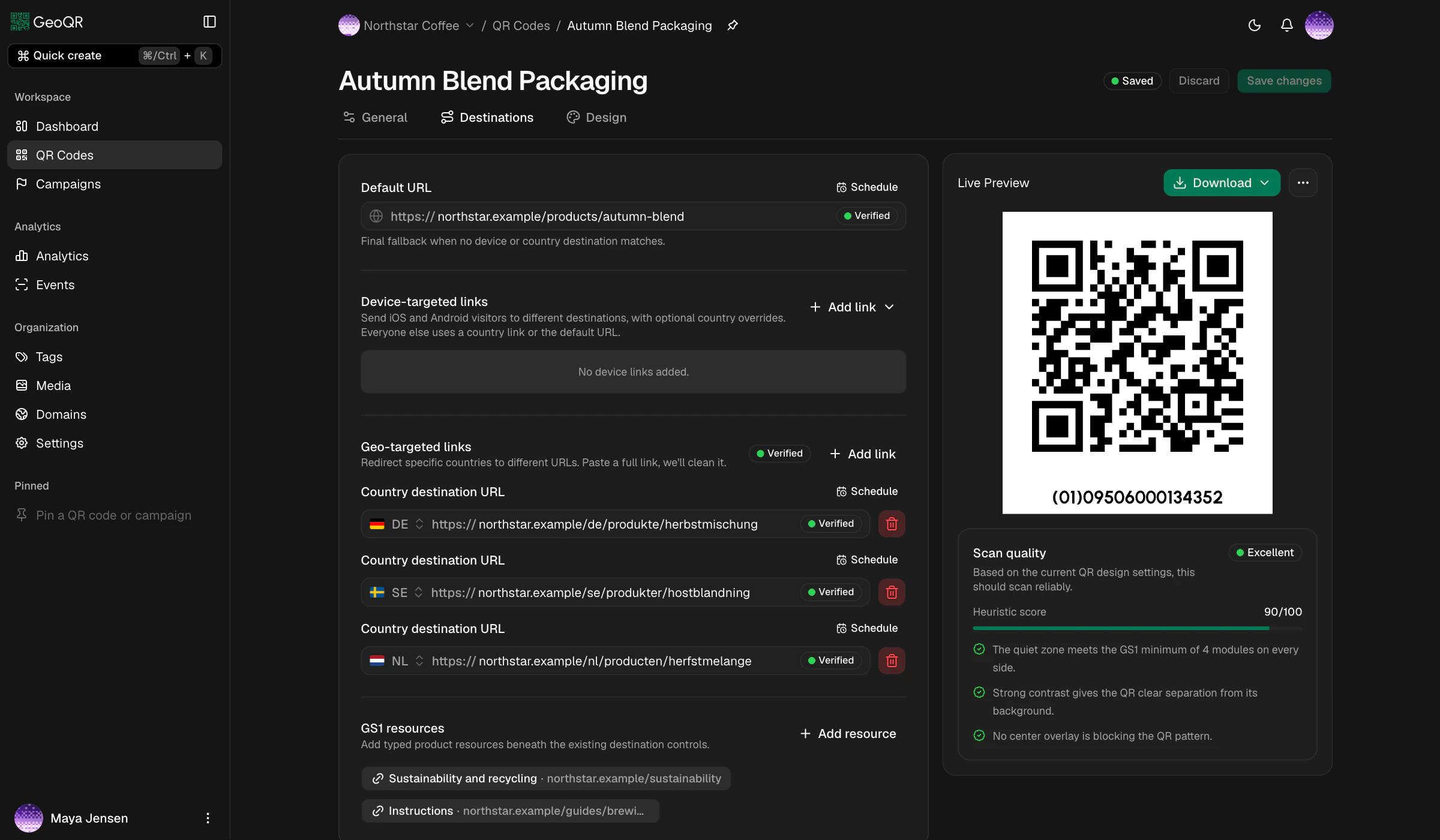
A stable QR code with flexible destinations
For example, send scans from Denmark to Danish product information, Germany to a German page, and other countries to your international page. Country routing uses approximate network location, not GPS or the visitor's language setting.
See how this works for QR codes on product packaging and review the results with QR code scan analytics. Follow the step-by-step country redirect guide to set up your own destinations. For app downloads, learn how to use one QR code for iPhone and Android.
Change the default link or any routing rule later without replacing the QR code already printed on packaging, signs, or other material.
Add local product pages, stores, offers, support pages, or other links only for the countries that need a different destination.
Switch to a temporary page for a launch, event, registration window, or limited-time offer, then return to the regular destination automatically.
Send iPhone and iPad visitors or Android visitors to the page built for their device, while every other scan keeps a reliable fallback.
More than country routing
Use a device rule, a country rule, or both together when part of the audience needs a different page. Add a temporary schedule when the same audience needs different content during a defined window.
Send iPhone and iPad visitors or Android visitors to a device-specific page. Other devices continue through the remaining rules.
Connect selected countries to local content using approximate country-level network information rather than precise GPS location.
Temporarily replace a regular destination for a launch, event, registration window, or limited-time promotion.
Combine device and country routing, then schedule a temporary destination for that specific audience and time window.
Temporary scheduled destinations
Give a regular destination a temporary replacement with a start, an end, and the timezone that matters to the rollout. Before and after that window, scans return to the regular verified page.
Schedules are one-off rather than recurring. If the temporary page later fails its safety check, GeoQR returns to the regular destination.

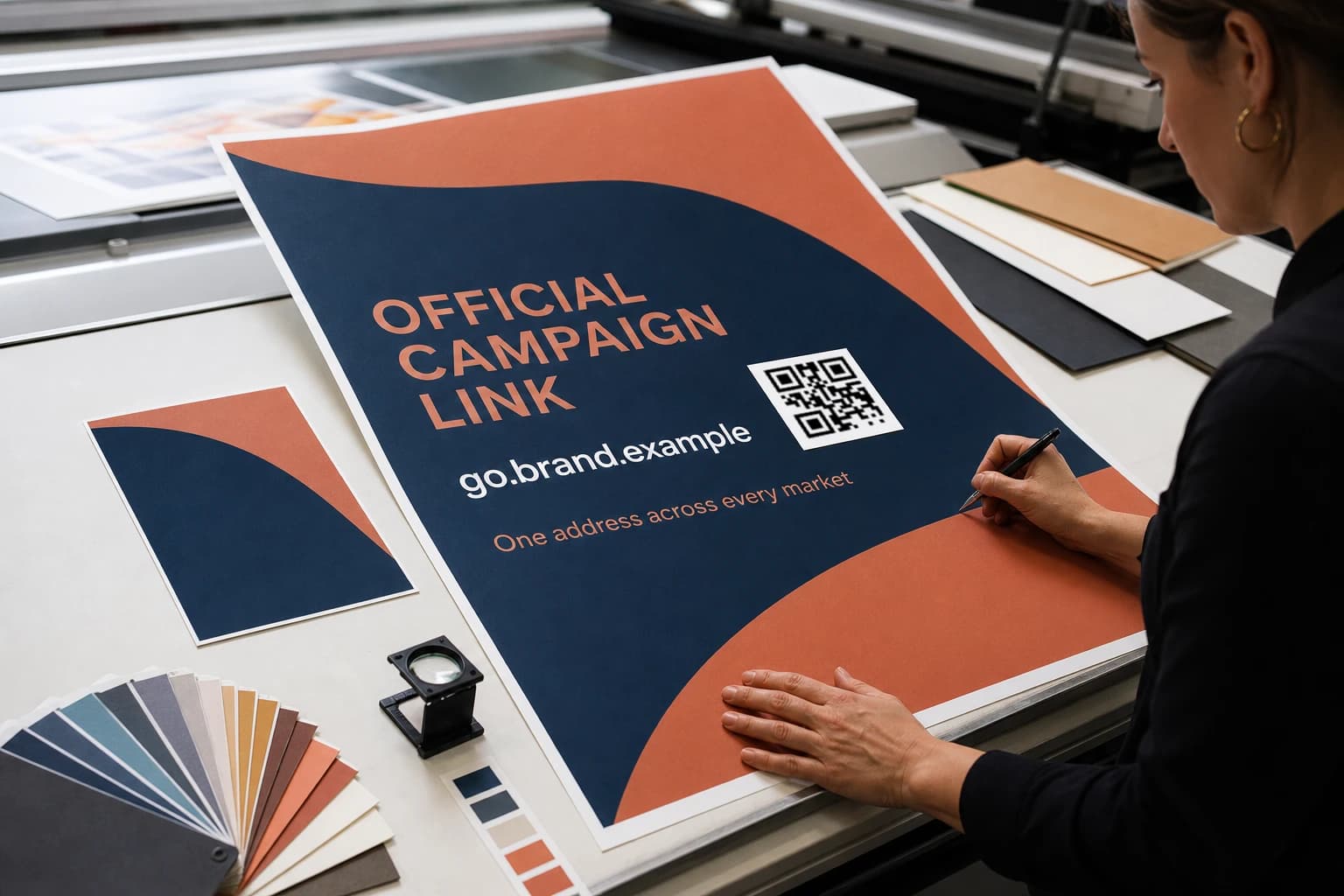
How QR code routing works
Start with a dependable default destination. Add device, country, or combined routes where the experience should differ, then give any destination a temporary replacement for a defined window. The printed QR code stays the same throughout.
Read the destination routing guideQuestions
The practical details behind supported rules, route priority, schedules, fallbacks, approximate country matching, post-print updates, and GS1 routing.
GeoQR supports a default destination, iOS and Android destinations, country destinations, and combined device-and-country destinations. You can also give a regular destination a temporary scheduled replacement.
GeoQR checks combined device-and-country rules first, then device rules, then country rules, and finally the default destination. This lets a specific route win without removing the dependable fallback.
Device detection supports iOS and Android. Other or unidentified devices continue to a matching country rule or the default destination.
GeoQR uses approximate country-level network information from the resolver request. It does not request precise GPS coordinates or need location permission from the visitor's phone. VPNs, proxies, carriers, and corporate networks can affect the apparent country.
A temporary destination is active from its configured start time until its configured end time in the selected timezone. A start or end can be omitted, but schedules do not repeat automatically.
If a temporary address later becomes invalid or fails GeoQR's safety check, scans use the regular verified destination instead. Before and after the scheduled window, the regular destination also remains in use.
Yes. You can change the default destination, routing rules, and schedules after publishing. The QR pattern and resolver hostname printed in the artwork stay the same.
Yes. Standard QR codes and GS1 Digital Links can use the same device rules, country rules, combined rules, temporary schedules, and campaign tracking workflow.
Start with one default destination
Add a useful default page, configure the device, country, combined, or scheduled exceptions you need, and test the complete route before distribution.
Free plan · No credit card required